Know who came, and who you have not seen in a while. Here is what changed in Gracely this month, and why it helps your church.
Highlights
Attendance and check-in, rebuilt with you
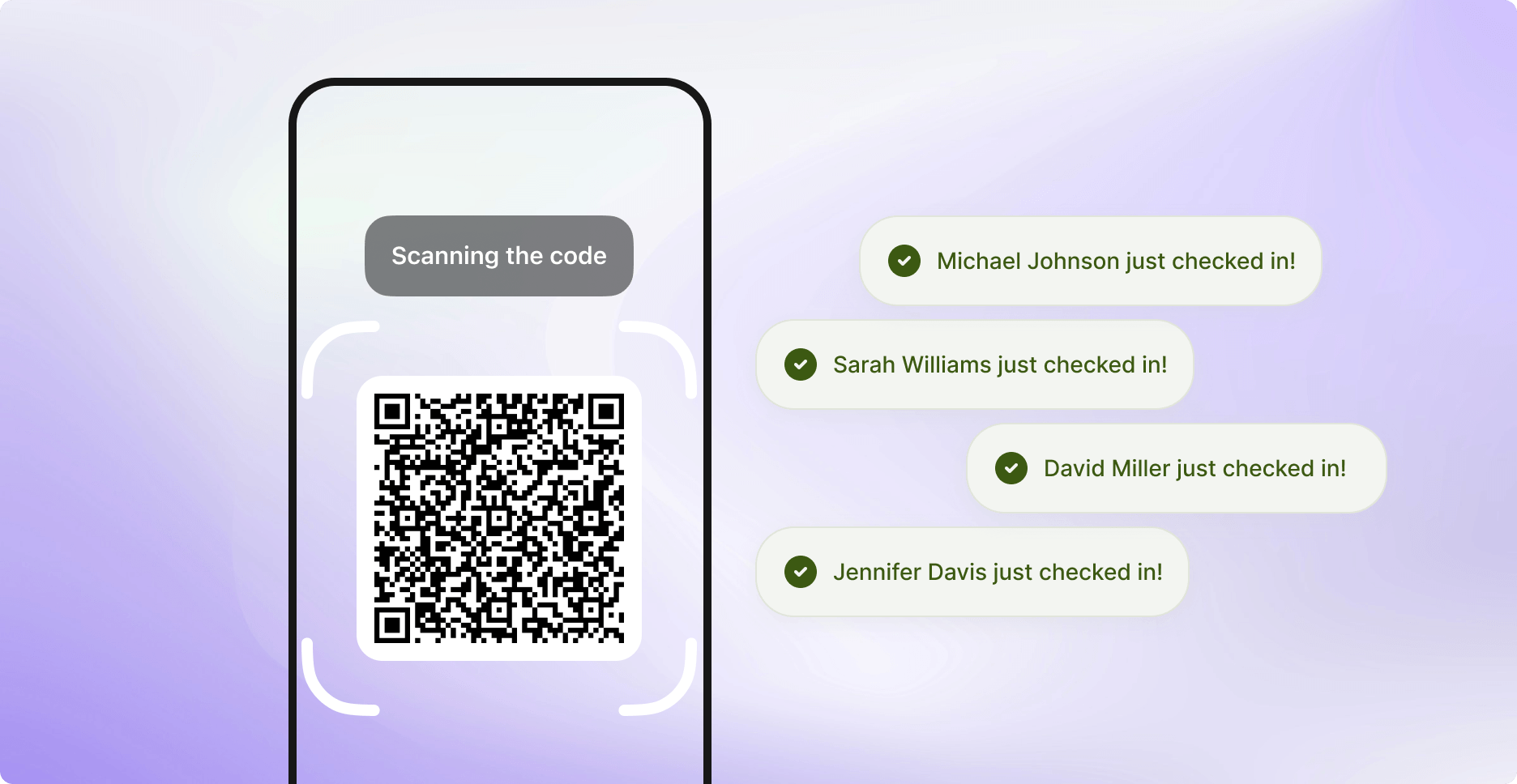
Every event now has its own QR code. Show it full screen, put it on your welcome slide, or print it. Members scan it and check themselves in from their phone, and new guests fill in a short form so they are added as visitors. Prefer the welcome desk? Check people in by name, or keep using a headcount. Either way, every event has one clear total.
See who you have not seen in a while
Attendance reports live under Events → Reports. See who came and how many came, filter by period, by event, and by members or visitors, then export to CSV or PDF. The Not seen recently report groups people by how many weeks they have been away, so your care team knows who to call first.
See who uses the app
Find out who is really using Gracely. See at a glance which members have logged in to the mobile app or the member portal, filter your people list to find the ones who have not, and send them an invite. More members in the app means more people reading your announcements, giving online, and checking themselves in.
Longer text messages
Your texts are no longer cut off at 160 characters. Send the full announcement, the event details, or a word of encouragement in one message, with a live character count as you type, so you always know what your people will see.
Everything in this release
New
- QR self check-in. Every event gets its own QR code that members scan with their phone to check in.
- Show the QR code full screen, or download it for print or for your slides.
- New guests who scan the code fill in a short form and are added as visitors.
- Check people in by name, or keep using a headcount. Every event shows one clear attendance total.
- Attendance reports. Attendees, Headcounts, and Not seen recently, all under Events → Reports.
- Filter attendance by period, by event, and by members or visitors, and export any report to CSV or PDF.
- See which members have logged in to the mobile app or the member portal, and filter your people list by login status.
- Invite members who have never logged in, one at a time or all at once.
- Longer text messages. Send texts longer than 160 characters, with a live character count as you type.
Improvements
- Less noise for your members. No more confirmation emails after kiosk check-in and fewer push notifications during events.
- Your own account now appears in the Users and Roles list.
- Batch deposits. Group gifts into a deposit and post it to Accounting in one step.
Bug Fixes
- The transaction form clears after you add a transaction, ready for the next one.
- Bank sync matches and imports transactions more reliably.
- Buying tickets for paid events works again in the mobile app.