Your bank and your books, finally in step. Here is what changed in Gracely this month, and why it helps your church.
Highlights
Accounting — Bank sync
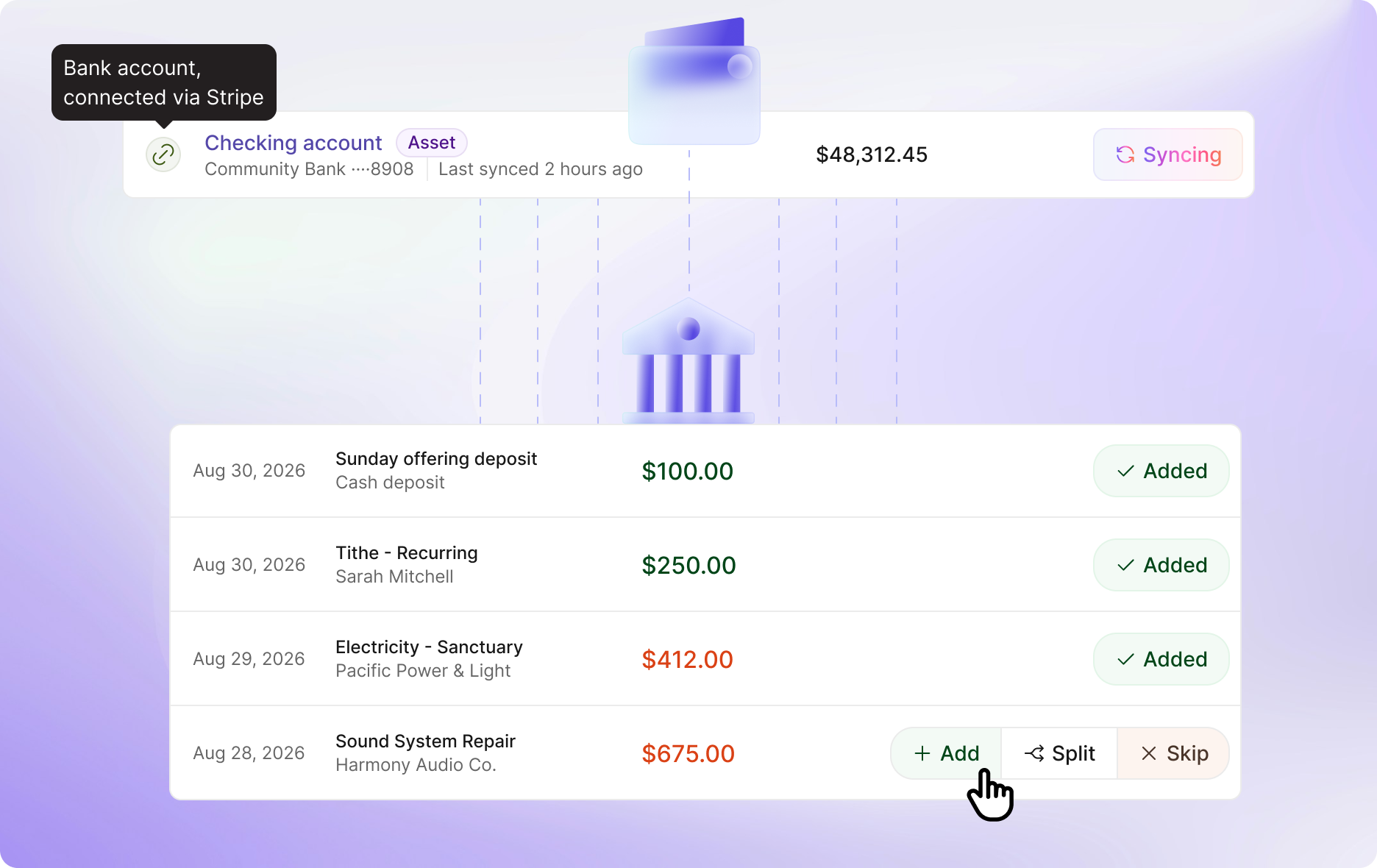
Connect your church bank account through Stripe and your transactions arrive in Gracely on their own. Each one waits in a review queue. Confirm it, pick the fund and category, or split it across several. Then it goes in the books. No more typing transactions by hand.
Everything in this release
New
- Bank sync. Connect your church bank account to Gracely Accounting through Stripe.
- Automatic import of posted transactions and balances.
- Review queue. Confirm, skip, or split imported transactions before they post.
- Assign fund and category to each imported transaction during review.
- Sync on demand. Pull the latest transactions any time with one click.
- Choose which of your bank’s accounts to connect, and reconnect one whenever your bank asks you to sign in again.
Improvements
- Pledge accounts are now called campaigns, across the dashboard.
- Edit a pledge amount in place, without rebuilding the pledge.
- The Active tab in People now shows members only, and the dashboard members count matches it.
- Your selection clears when you switch People tabs, so you never act on the wrong group by mistake.
- Archived visitors no longer appear in the Visitors list.
- Long names and emails show in full when you hover over them.
- Archived members, and members changed to visitors, are signed out of the member portal and app right away and can no longer log in.
- Custom domains now get their security certificate faster and more reliably.
Bug Fixes
- Giving import no longer fails when your spreadsheet stores amounts or dates as plain numbers, and handles 5,000 transactions at a time.
- The check-in screen pages through long lists correctly.
- The custom fields edit window no longer shows a label twice.